
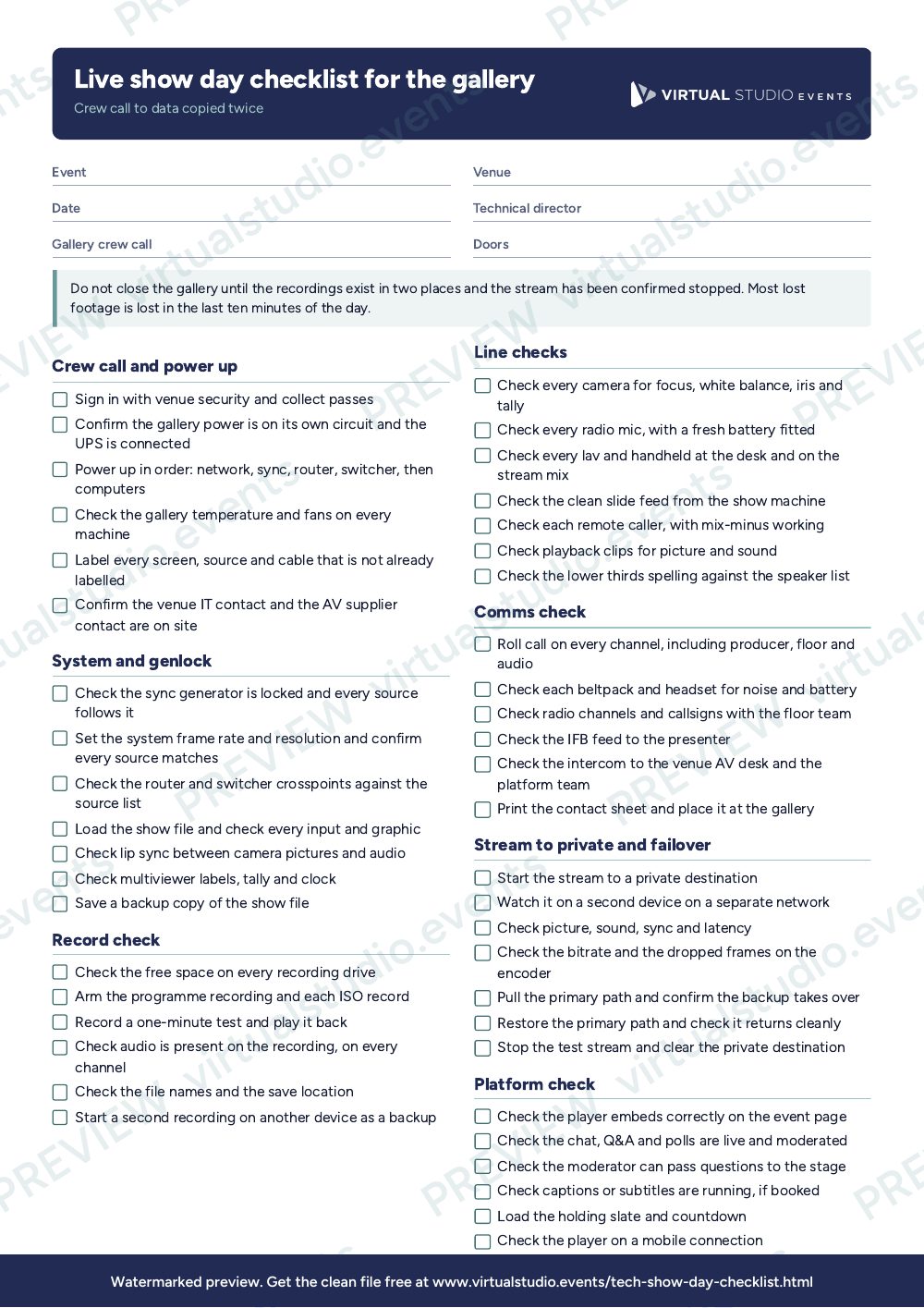
For technical directors, vision mixers, vMix operators and streaming engineers working in a live gallery. It runs in the order the day usually runs, so you can tick it off from crew call to kit out. Print one for each gallery position and give a copy to the producer.
What it catches
- A sync fault or genlock mismatch that only shows when two sources are mixed.
- A recording that was never armed, or a drive that fills at minute 40.
- A stream that works to the private test and fails to the public destination.
- A comms channel that nobody checked until the first cue.
- Recordings that sit on one drive when the van leaves.
How to adapt it
Cross out the lines that do not apply to your system. Add the kit-specific steps for your own switcher, encoder and router, such as saving a preset or arming ISO recording. Times shown in the order are a guide: on a large show, run the system check the evening before and keep the morning for the lines and rehearsal. If you work as part of someone else's crew, ask the producer which checks they expect to see signed off before doors, and tick those first.
Get the PDF
The preview is free to look at and print. For the clean file, put your email in and we'll send a download link straight away.
Open the watermarked preview (PDF)Rather we did the paperwork?
Send the client brief and floorplan to Production Office and get back the kit list, signal flow, crew plan and schedule, checked by a broadcast engineer, with nothing of ours on it.